Mobile Ticketing
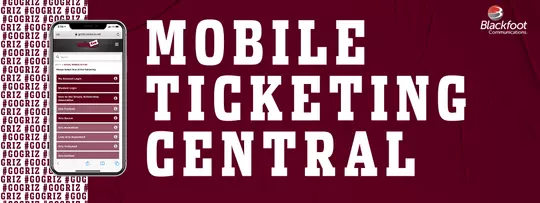
Click on the guides below to learn more about mobile ticketing
How To Access Your Tickets
How to Access Tickets via Email
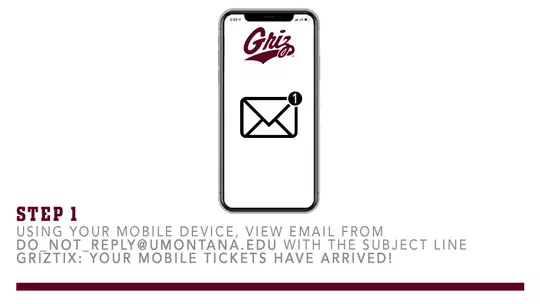
1. Using your mobile device, view email from do_not_reply@umontana.edu with the subject line GrizTix: Your mobile tickets have arrived!
TIP: Be sure to check your spam if email not found in inbox
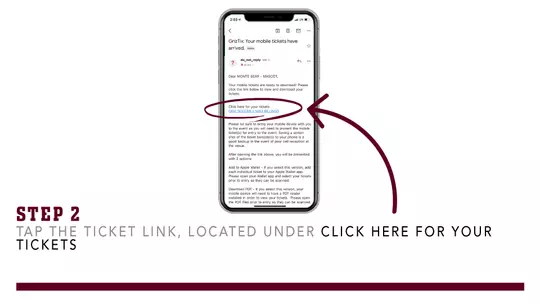
2. Tap the ticket link, located under Click here for your tickets
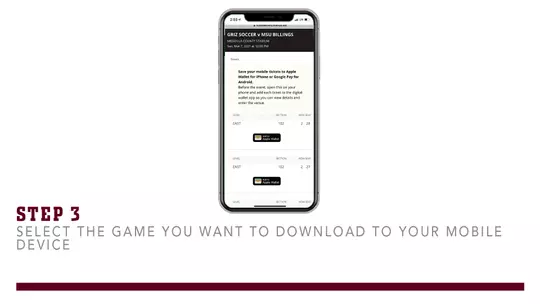
3. Select the game you want to download to your mobile device
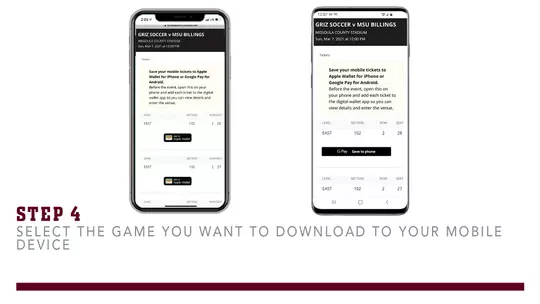
4. Download each ticket by tapping Add to Apple Wallet on iPhone or G Pay - Save to Phone on Android
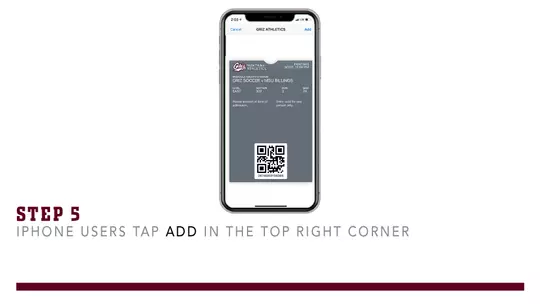
5. iPhone Users tap Add in the top right corner
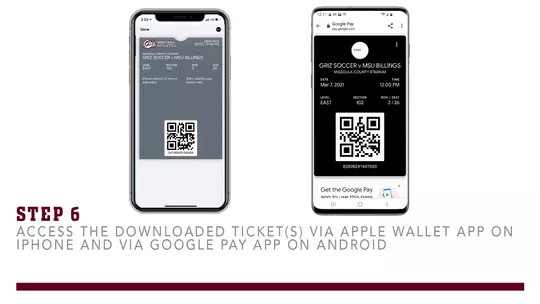
6. Access the downloaded ticket(s) via Apple Wallet app on iPhone and via Google Pay app on Android
GAMEDAY TIP: Make sure to download your ticket(s) before arriving at the stadium as reception may not be the best around campus on gameday
Step by Step - Access Tickets
How To Transfer Your Tickets
How to Transfer Tickets to Someone Else
1. Using your mobile device, Click Here
2. Log into your account
3. Under My Tickets, tap START A TRANSFER
4. Select which game you are transferring
5. Check the box next to the ticket(s) you are transferring
6. Tap the maroon CONTINUE button at the bottom
7. Type in the Mobile Number of the person receiving the tickets
8. Tap the maroon REVIEW TRANSFER button at the bottom
9. Review that all the information is correct
10. Tap the maroon TRANSFER TICKET button at the bottom
11. You will receive a Ticket Transfer Initiation Confirmation email
REMINDER: When transferring a ticket, the person receiving the tickets must accept and complete the transfer within 48 hours
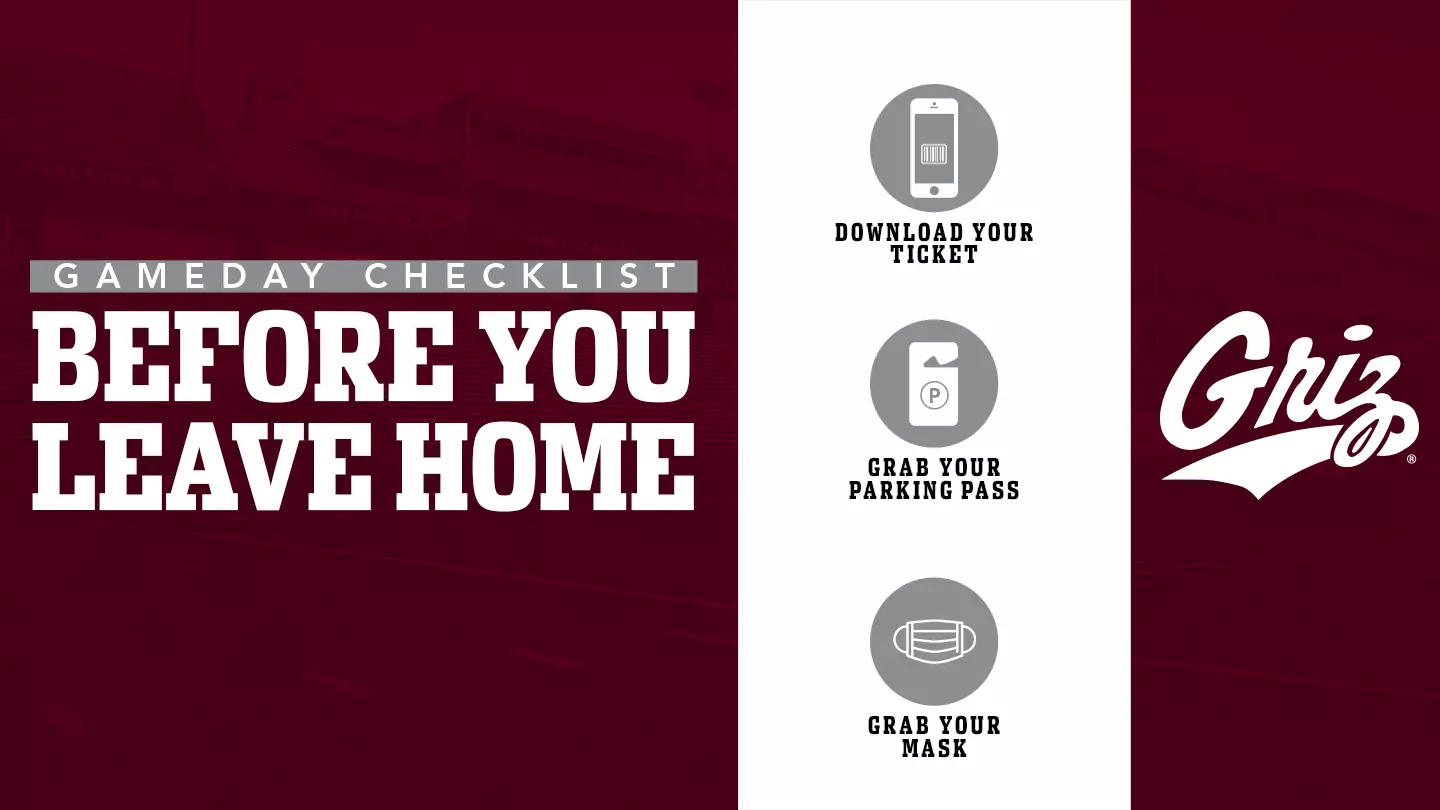
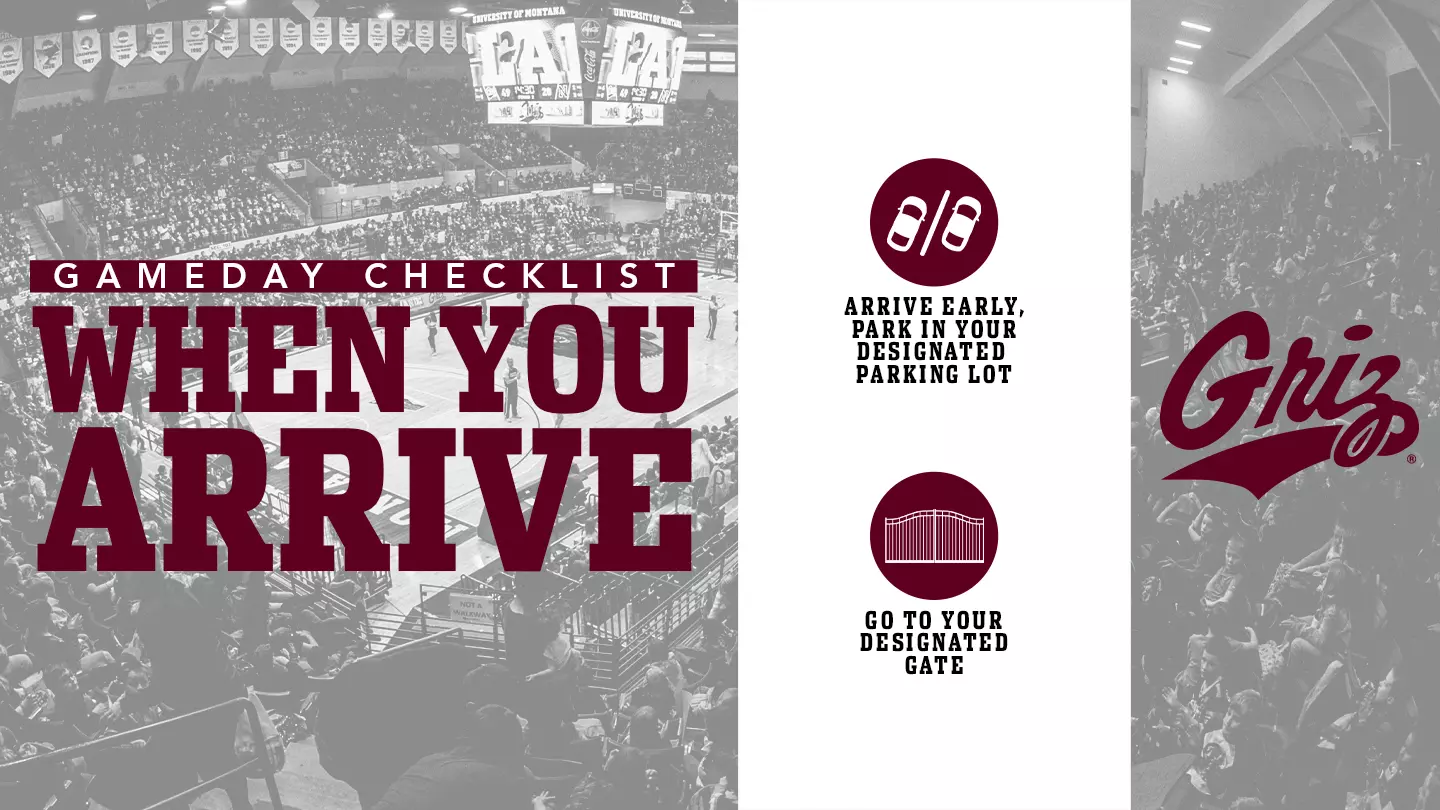
Gameday Checklist
Frequently Asked Questions
In response to the COVID-19 pandemic, Grizzly Athletics feels the shift to mobile ticketing will provide a safer, more convenient and flexible way to receive and manage your tickets.
Please contact the Adams Center Ticket Office at 1-888-MONTANA or email griztix@umontana.edu.
Yes, choose the "Print at Home" option during checkout.
Yes. You can swipe through your available tickets at the venue if the entire party is present. However, it is much easier to send each attendee their ticket. Before entering the venue, we recommend that each attendee has their ticket downloaded to their mobile device to make the entrance process quicker.
No. Each ticket will be scanned at the event. Only the first scan of a ticket will allow entrance to the event. If a ticket has already been scanned, the attendant will be alerted, and entry will be denied.
You can quickly transfer each member their ticket individually since each person will need a ticket to enter the venue.
Yes. If the person receiving your ticket transfer does not have a Griz Tix account, they must create one to accept it.
It is possible. (The screenshot must include the complete QR code.) However, we discourage sharing tickets as screenshots in case the recipient has a problem using the tickets on game day. By forgoing the transfer process available through your online account, we lose the tracking ability of the mobile tickets and will be unable to assist anyone other than the original ticket holder should an issue arise.
University of Montana students should visit the Access Student Ticket page for information related to student ticketing.
Please contact the Adams Center Ticket Office at 1-888-MONTANA or email griztix@umontana.edu.
Simply visit the Adams Center Ticket Office. We will print your tickets for you after presenting a valid photo ID for the name on the ticket account. Please note that there is an additional fee to reprint tickets at the ticket office.
If you have ever purchased tickets from the University of Montana Adams Center Ticket Office, you already have an account in our ticketing system. If you do not know your password or are logging into your Griz Tix Account for the first time, click on “Forgot Password?” to have a temporary password link emailed to you. If you do not know the email address associated with your account or have additional questions, please contact the Adams Center Ticket Office at 1-888-MONTANA or email griztix@umontana.edu
Contact Us
Adams Center Ticket Office
32 Campus Drive
Missoula, MT 59812
Phone: (406) 243-4051